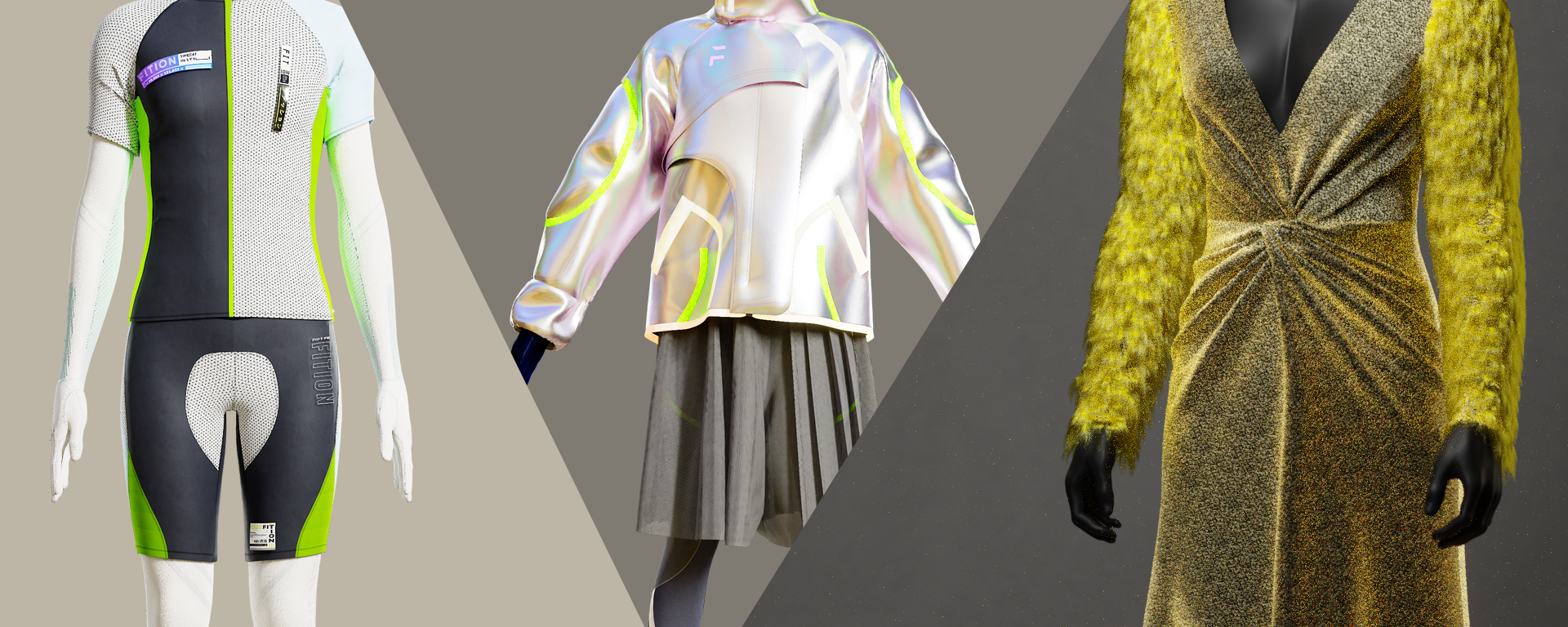
Letting rendering carry the garment
Rendering can substantially change the impression of a virtual garment. Simple tailoring is especially vulnerable: weak lighting or material presentation can make it look cheaper than intended. I wanted to close that gap.
At the time, fashion teams using CLO3D and VStitcher were familiar with rendering such as V-Ray. To build a service generating high-quality 4K turntables beyond real-time presentation, I first compared three renderers.
My selection notes at the time
These assessments reflect the environment and requirements I was considering for this service.
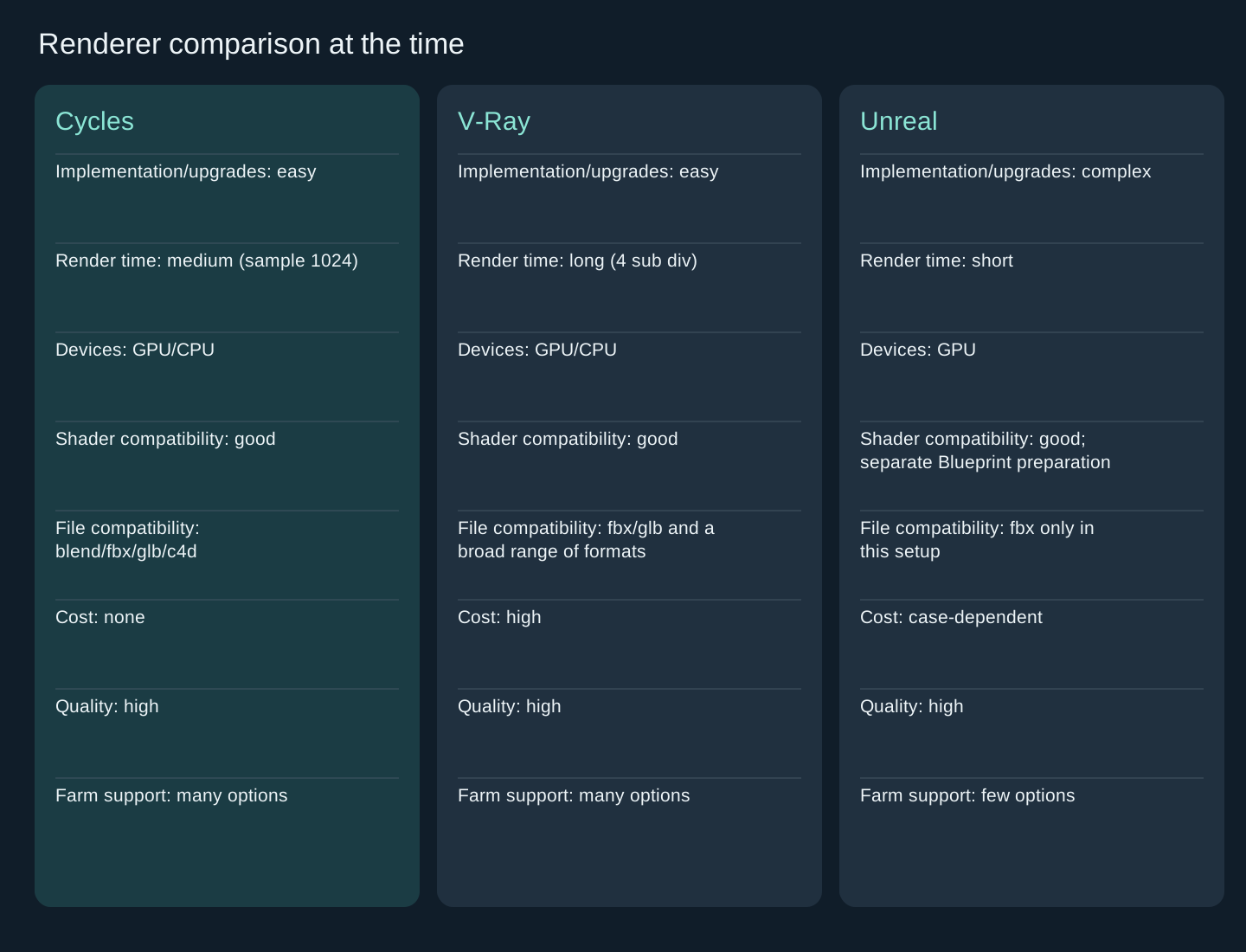
Cycles
- Implementation/upgrades: easy
- Render time: medium (sample 1024)
- Devices: GPU/CPU
- Shader compatibility: good
- File compatibility: blend/fbx/glb/c4d
- Cost: none
- Quality: high
- Farm support: many options
V-Ray
- Implementation/upgrades: easy
- Render time: long (4 sub div)
- Devices: GPU/CPU
- Shader compatibility: good
- File compatibility: fbx/glb and a broad range of formats
- Cost: high
- Quality: high
- Farm support: many options
Unreal
- Implementation/upgrades: complex
- Render time: short
- Devices: GPU
- Shader compatibility: good; separate Blueprint preparation
- File compatibility: fbx only in this setup
- Cost: case-dependent
- Quality: high
- Farm support: few options
Why I chose Cycles
I ultimately chose Cycles. With Blender 2.8 onward offering a capable feature set and Python API, it fit the pipeline I wanted: assemble scenes in a worker environment, then send them to a render farm.
Soft shadows and the bounce of global illumination let the fabric’s character emerge naturally. I find that interplay of light satisfying just to look at.